Glass Ops
Manage jobs, schedule field operatives, capture on-site information and keep customers informed. Customisable workflows and dynamic questions for any service industry.
A little atmosphere.
A lot less admin.
- Scheduled
- Surveyed
- Estimated
- Authorised
- Fitted
- Invoiced
Manage everything in one place
Take control of your entire field service operation with one centralised, cloud-based platform. Manage customers, jobs, appointments, reports and communications, keeping your office and field teams connected at every stage.
- Manage customers, contracts and job information
- Schedule appointments and allocate work to field operatives
- Track every job from initial enquiry through to completion
- Access detailed reports, measurements and specifications
- View photographs, videos, drawings and digital signatures
- Manage vehicle inspections, tool checks and safety records
- Record spot checks, quality inspections and accidents
- Keep everyone informed with job updates and communications
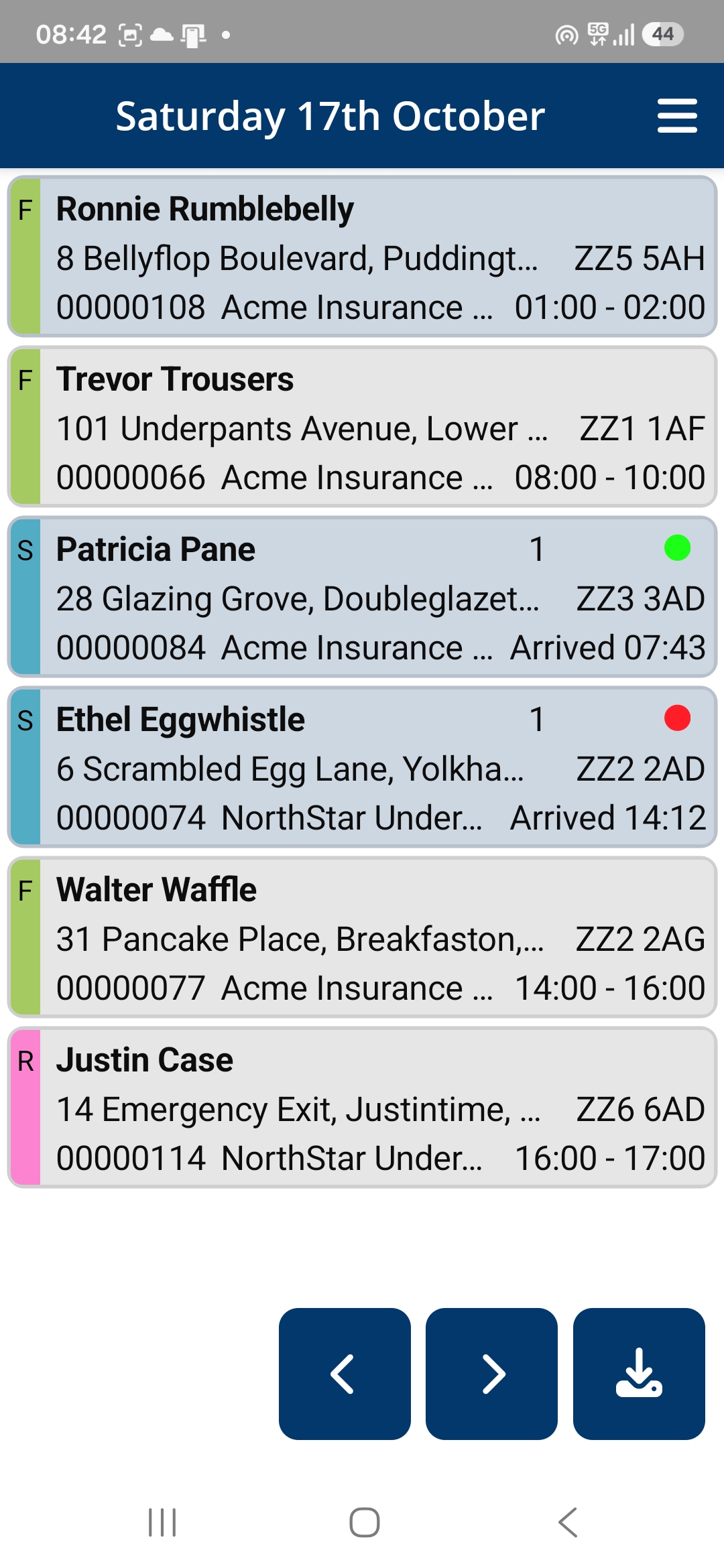
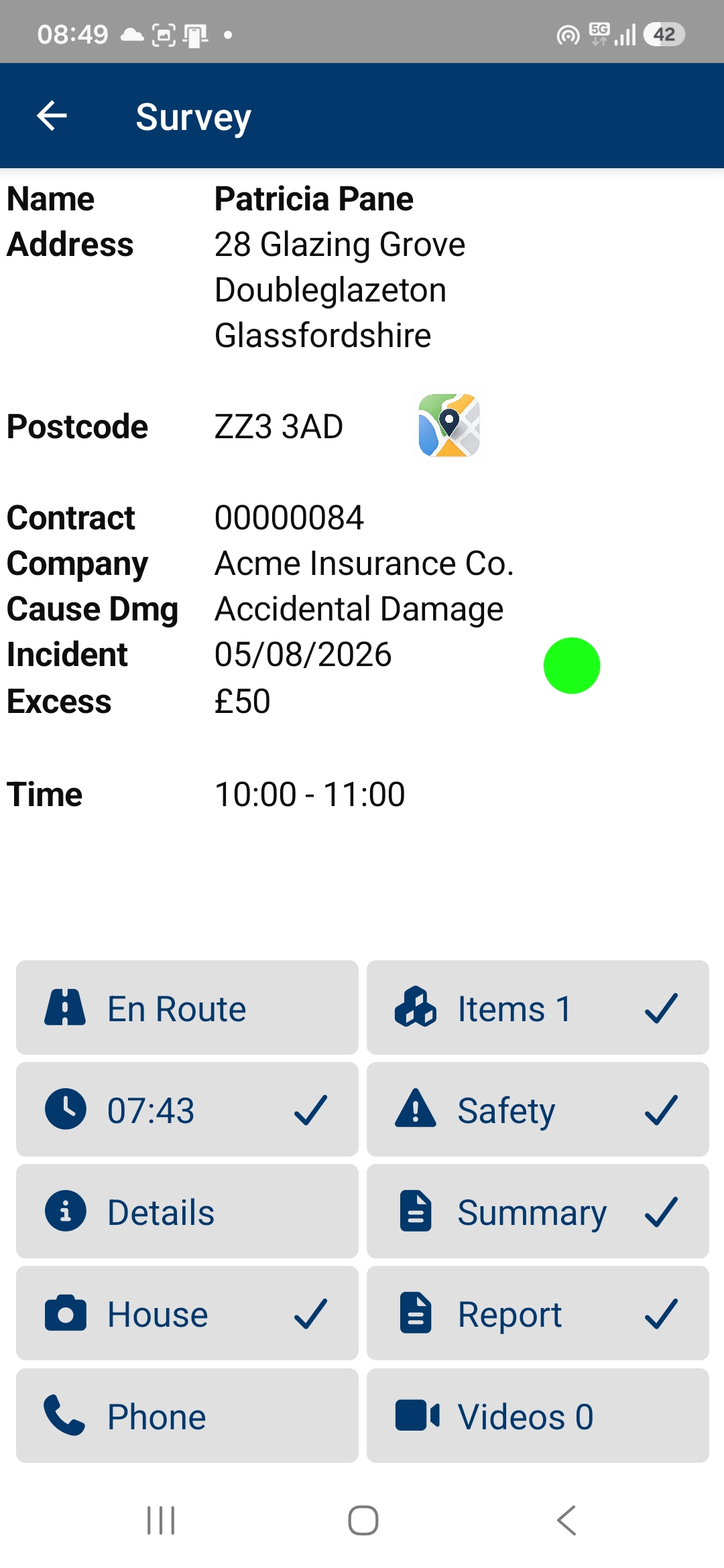
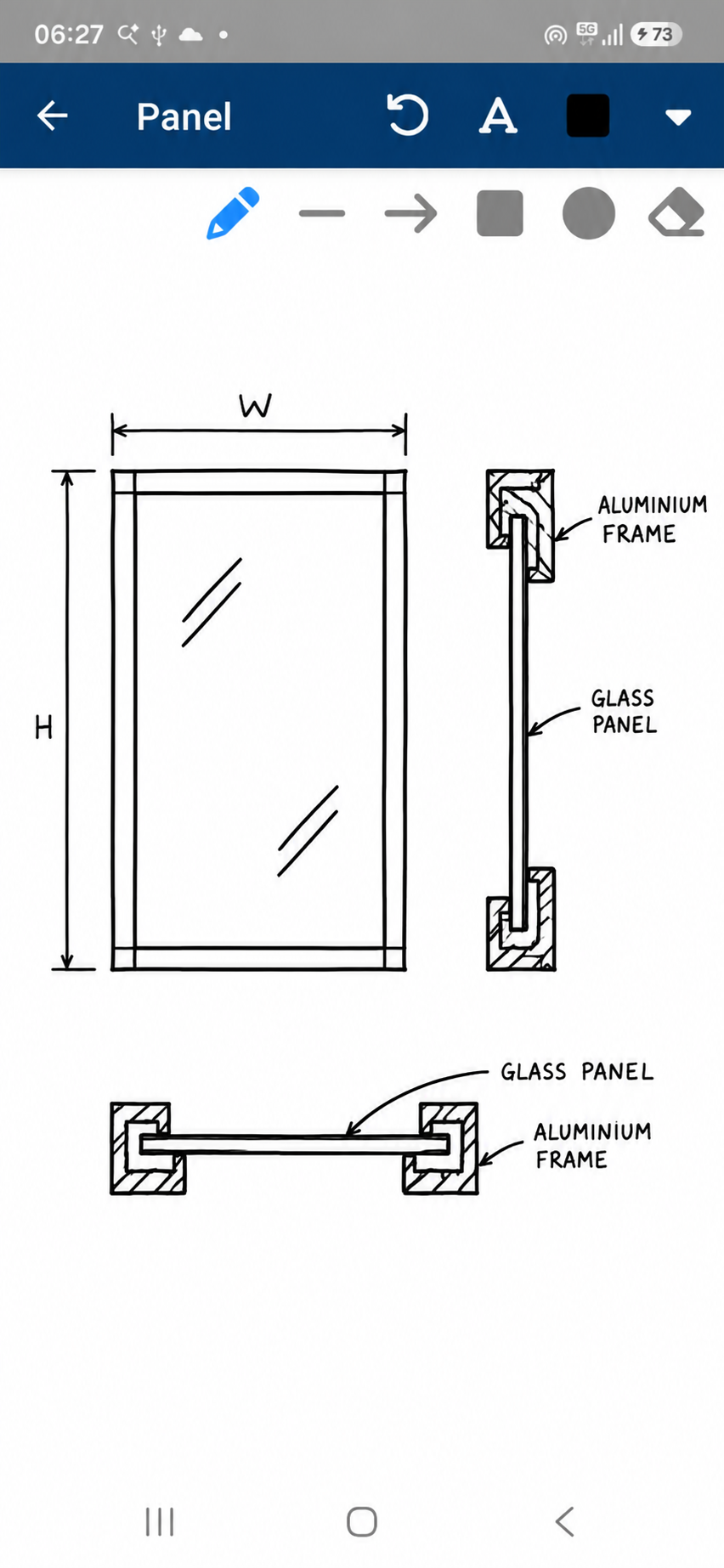
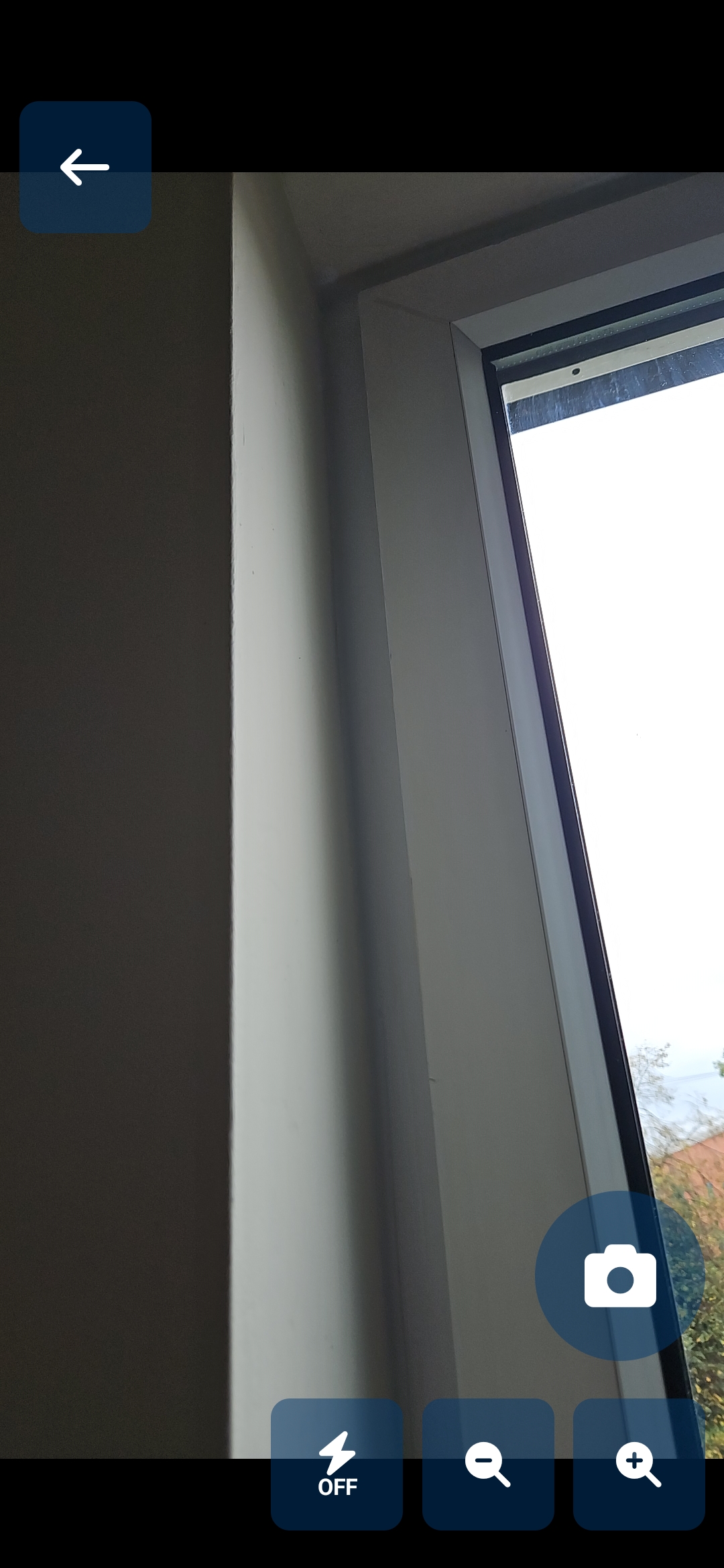
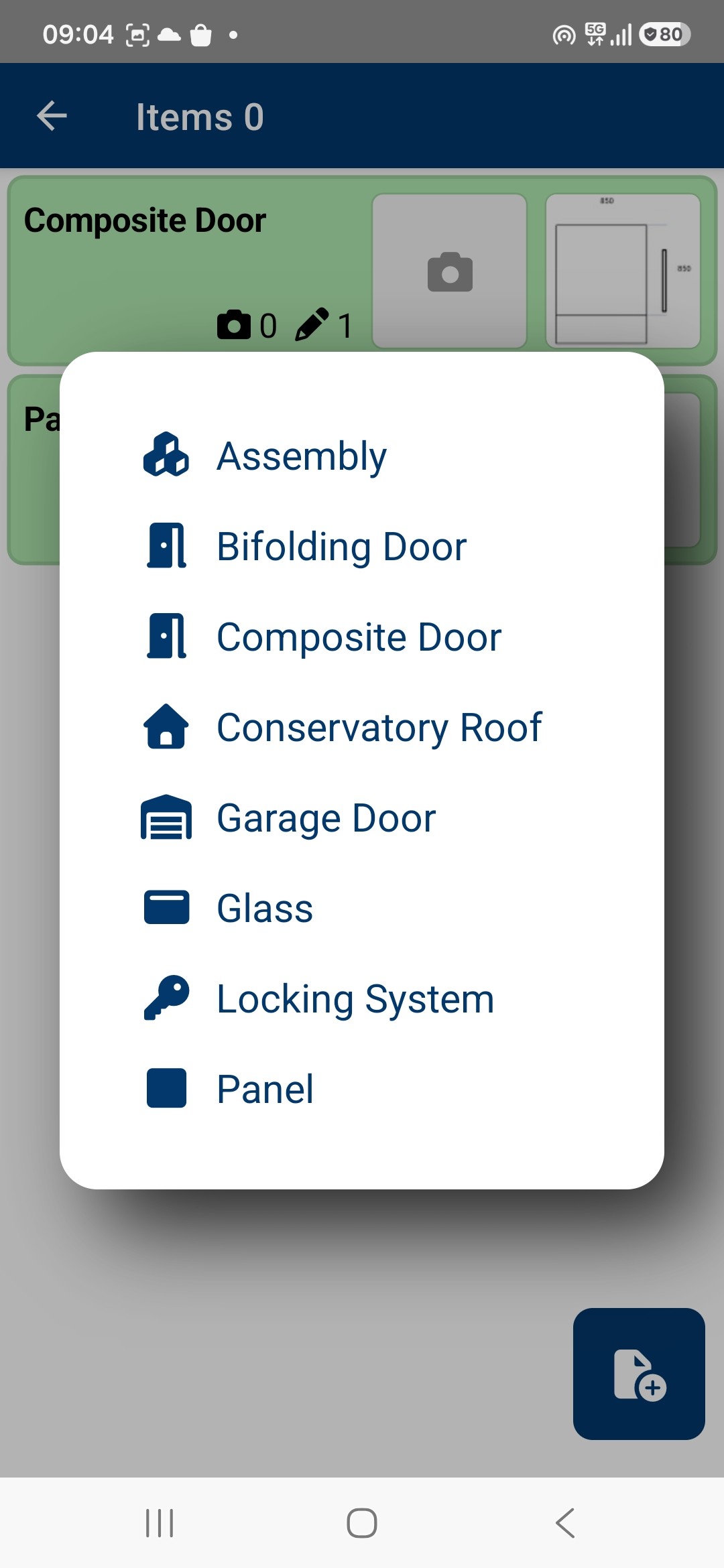
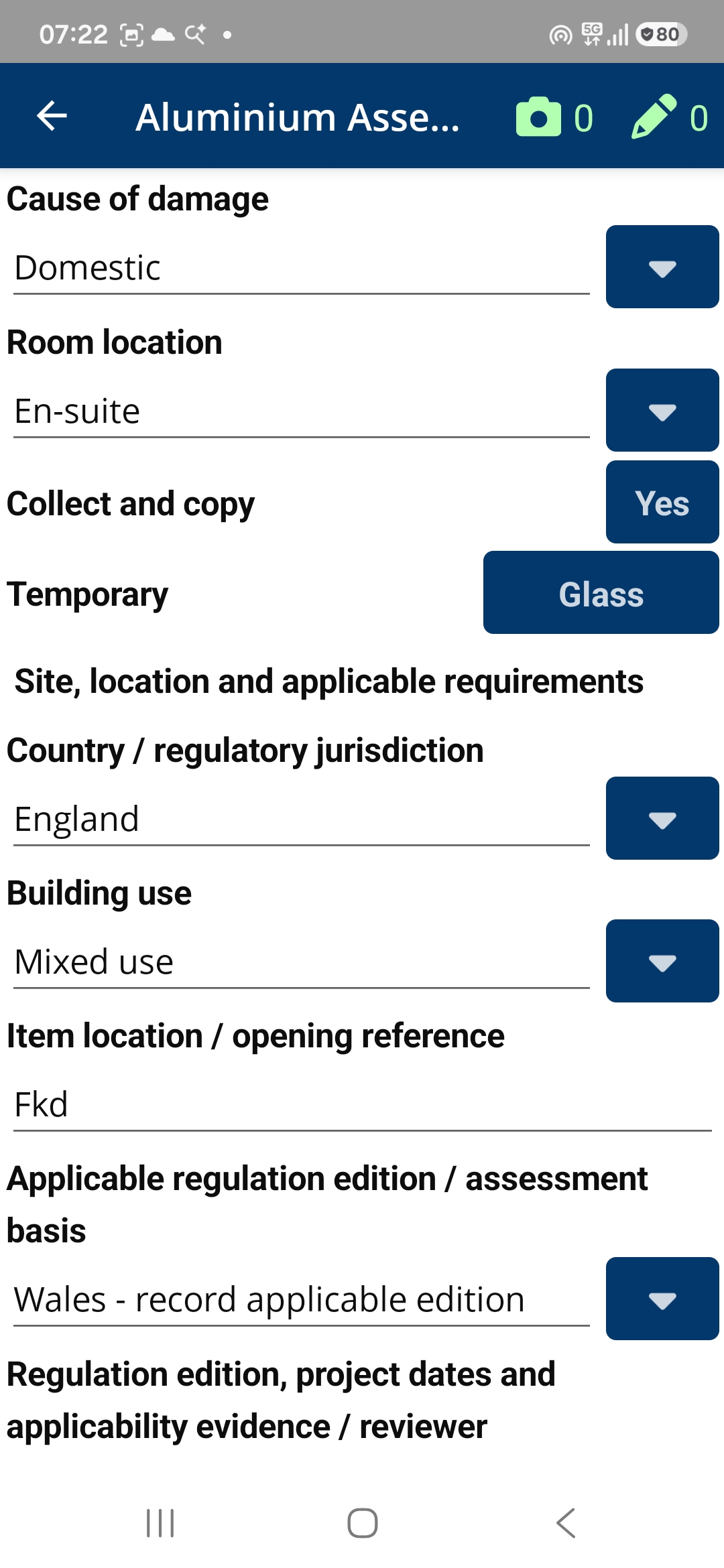
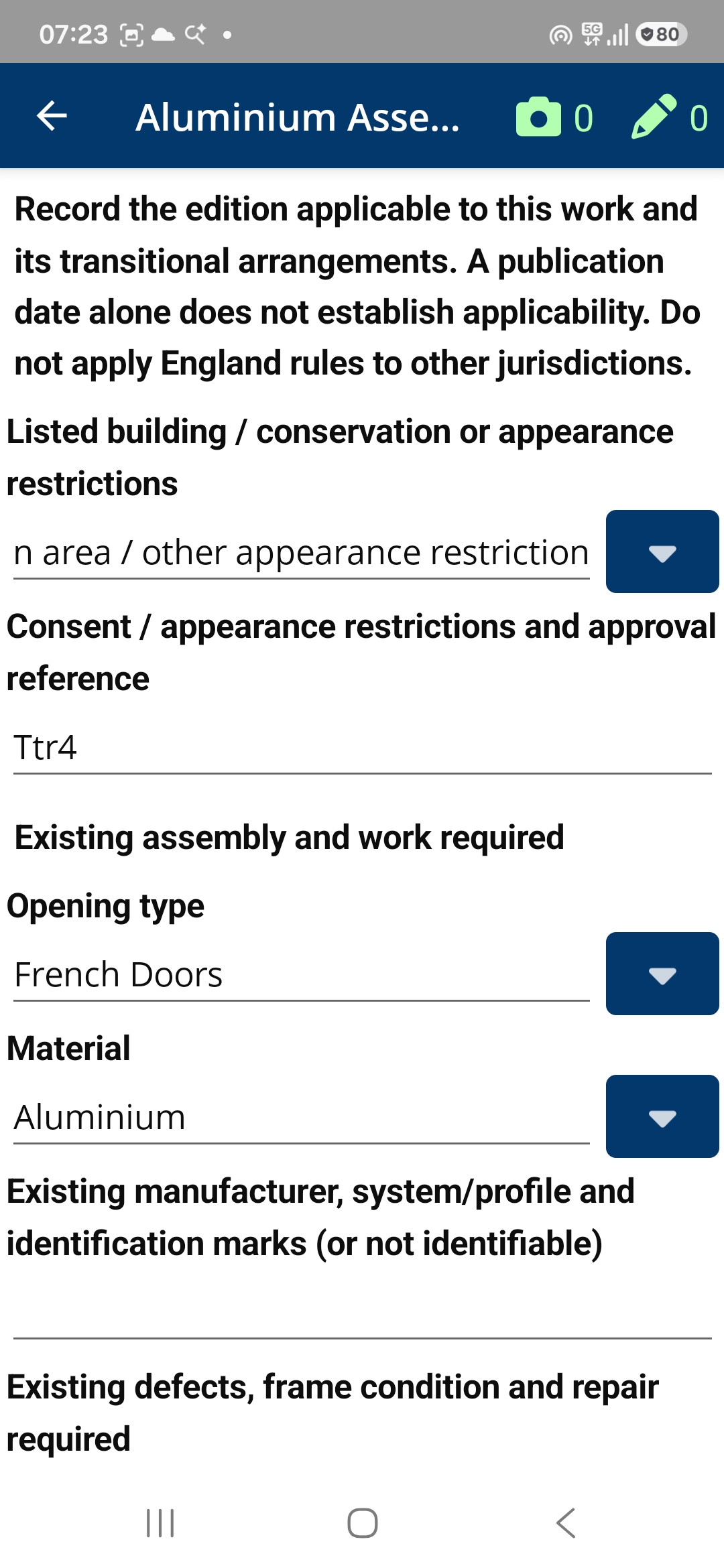

Field Operations
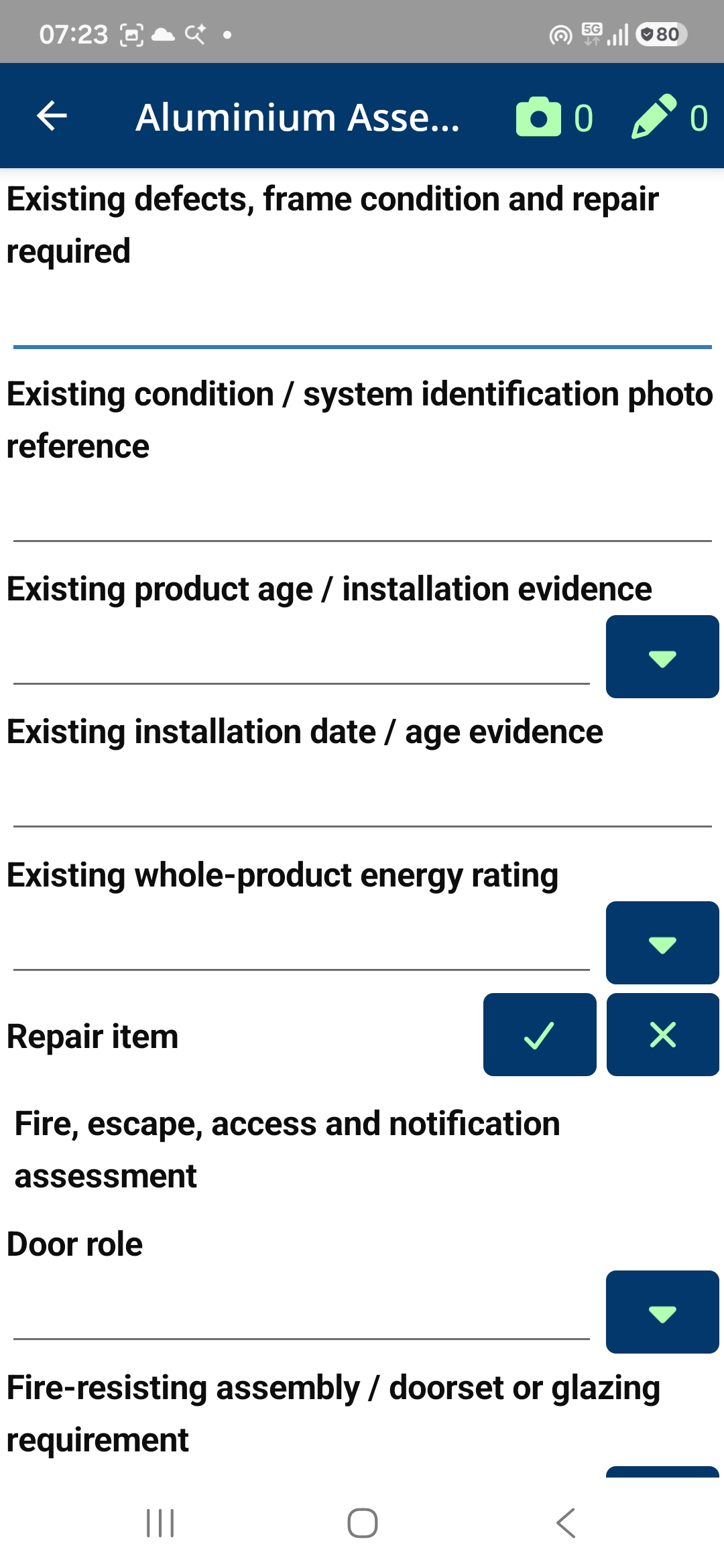
Give field operatives everything they need to complete their work efficiently. From surveys and inspections to installations and repairs, our native mobile application makes it easy to capture accurate information on site.
- Complete surveys, installations, repairs, remedials and inspections
- AI-assisted question management supports industry standards and best practices
- Dynamic questionnaires tailored to each service and job type
- Capture detailed measurements, diagrams and specifications
- Record photographic and video evidence throughout each job
- Capture customer and operative signatures digitally
- View detailed job instructions with formatted text, images and diagrams
- Complete vehicle, tool, safety and quality checks
- Record workplace accidents and vehicle incidents
- Work offline and synchronise data when connected
GlassOps for iPhone & iPad
GlassOps is now available as an experimental iOS build for iPhone and iPad.
Built using .NET MAUI, the iOS version offers the same field service functionality as the Android application.
This early-access version is intended for developers and technically experienced users who would like to test GlassOps before an official App Store release.
Experimental version — manual installation required.
This download contains an unsigned iOS application. It must be signed before it can be installed on an iPhone or iPad.
Important installation information
Unlike Android APK files, unsigned iOS applications cannot be installed directly by opening the downloaded file on an iPhone or iPad. The application must first be signed using an appropriate Apple ID, certificate and provisioning method.
- Download the unsigned IPA to a Mac or Windows computer.
- Install a compatible signing and sideloading application, such as Sideloadly.
- Connect the iPhone or iPad to the computer.
- Follow the signing tool's instructions to sign and install the IPA using an eligible Apple account.
- Complete any device trust or developer-mode steps required by iOS.
- Open GlassOps on the device.
Successful installation depends on the device, signing method, provisioning permissions and application capabilities. Sideloading is not guaranteed to work on every device.
Free Apple ID installations can have limitations and may require renewal approximately every seven days.
This is a testing release and is not currently distributed through the Apple App Store.
Customer experience
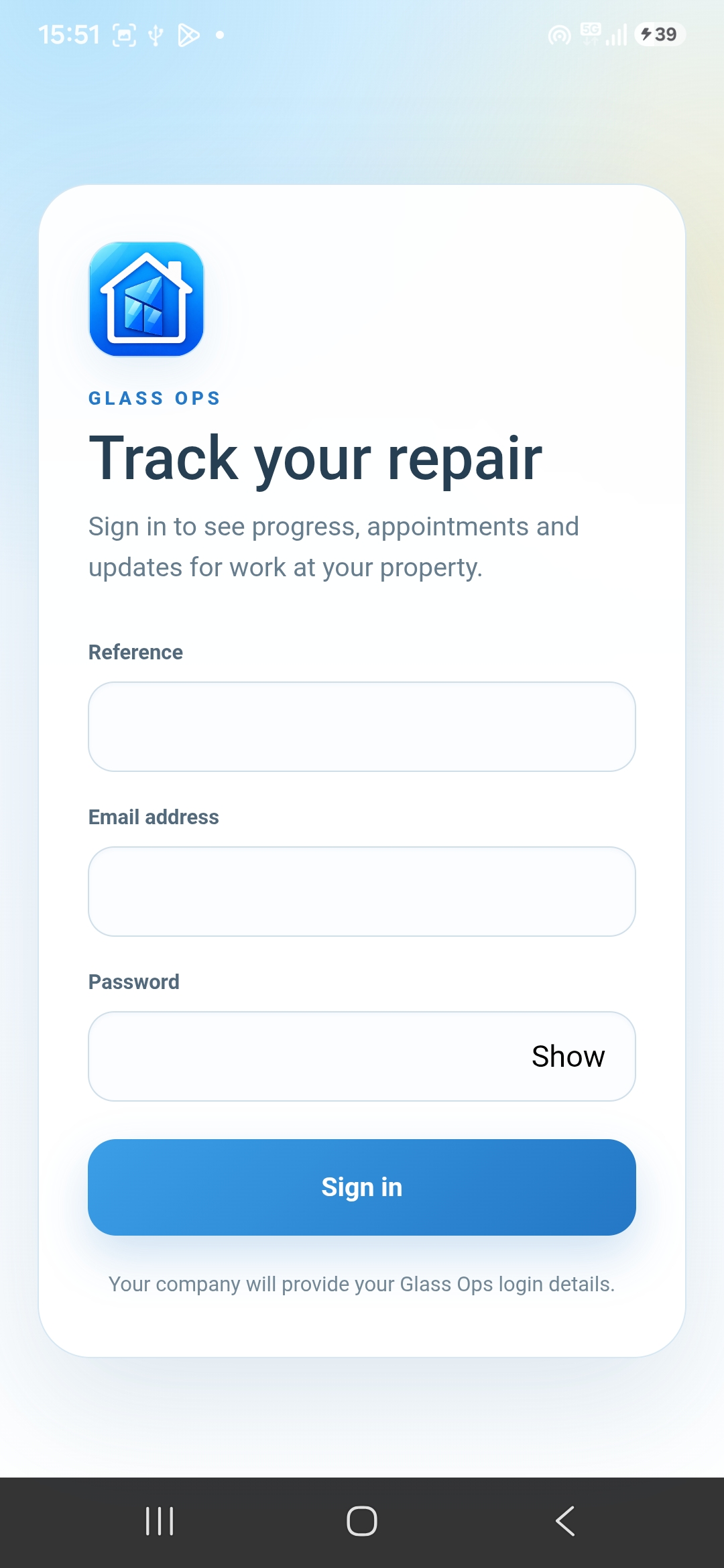
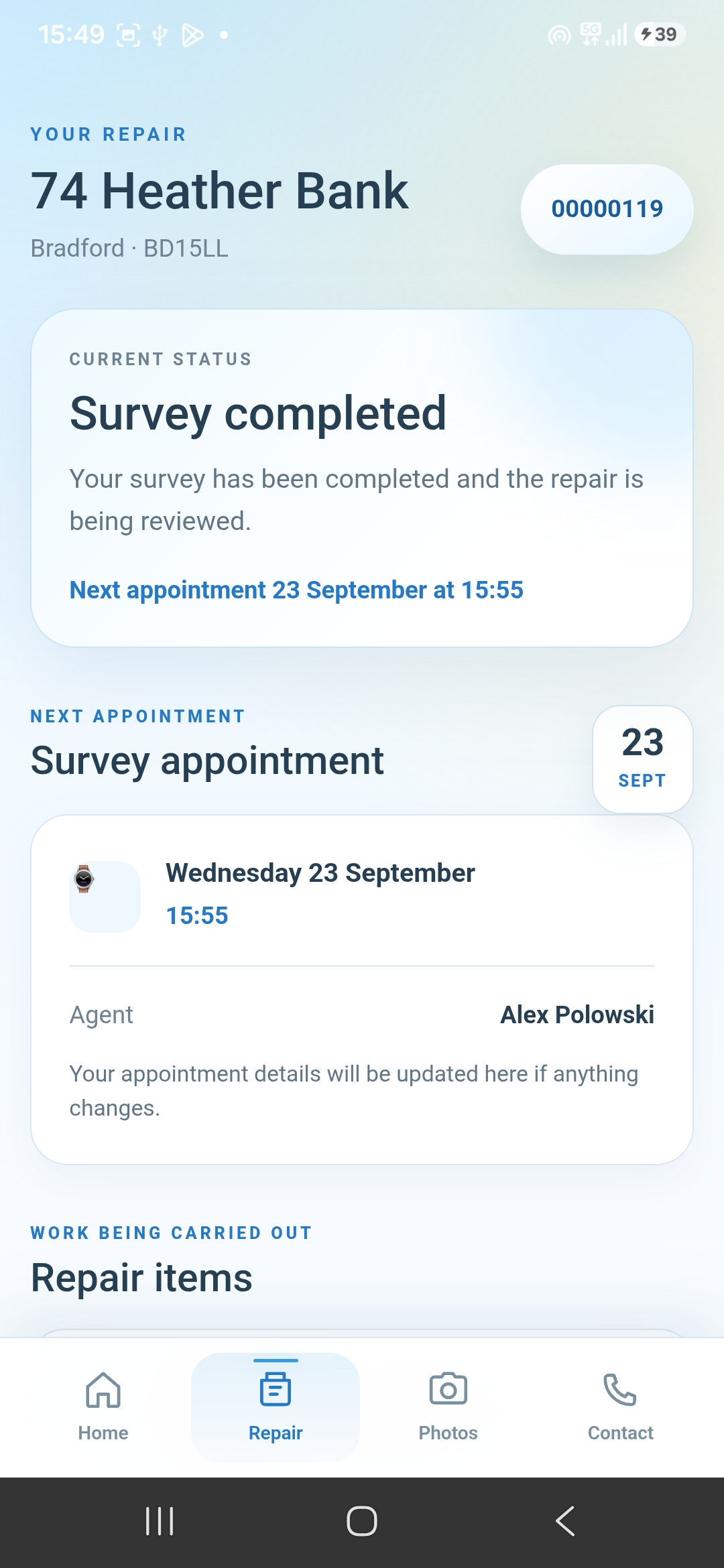
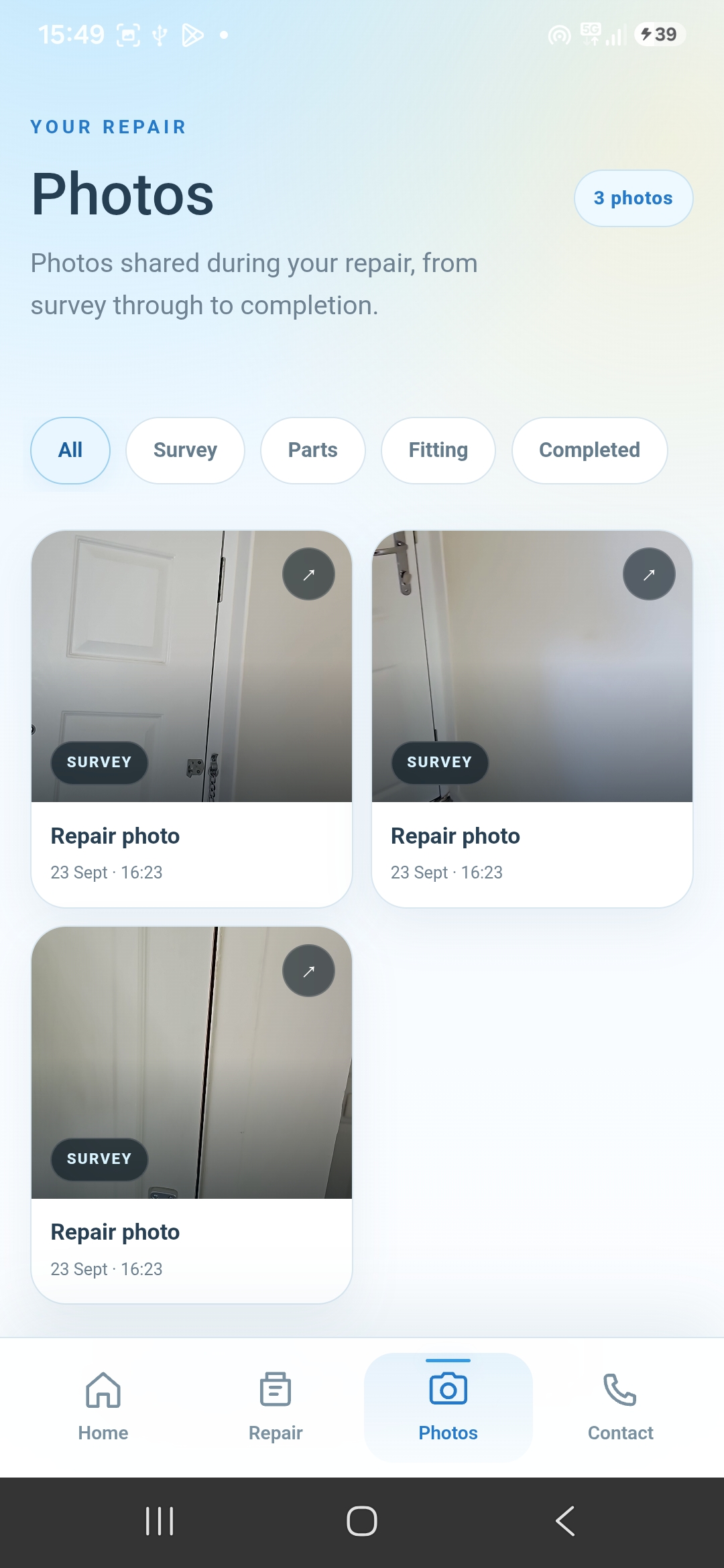
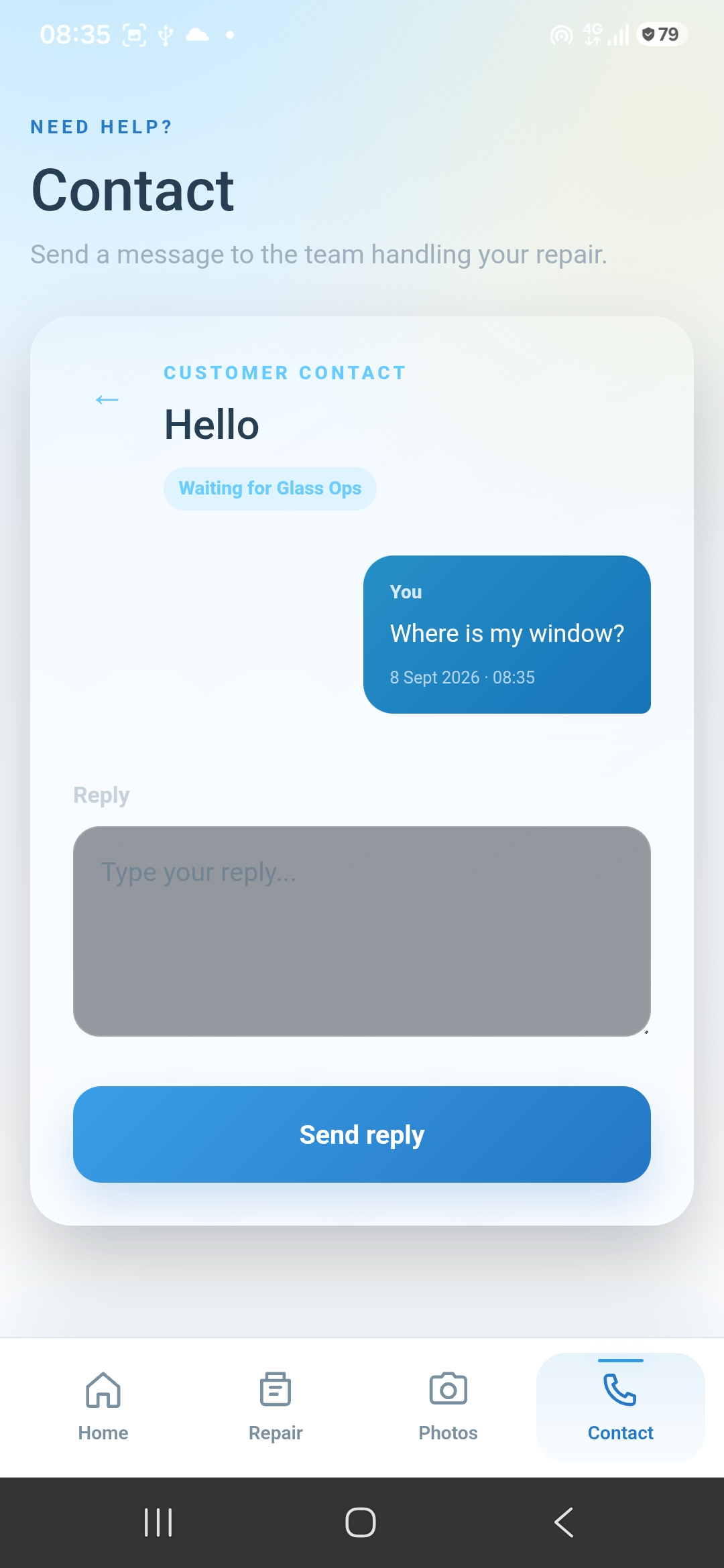
Keep customers informed and connected throughout every stage of their job. With a dedicated mobile app, customers can track progress, view appointments and communicate directly with your team, reducing unnecessary calls to the office.
- Dedicated customer mobile application
- View upcoming appointments and scheduled visits
- Track job status and progress in real time
- View a timeline of updates and completed work
- Send and receive messages directly within the app
Insurer portal & Job Board
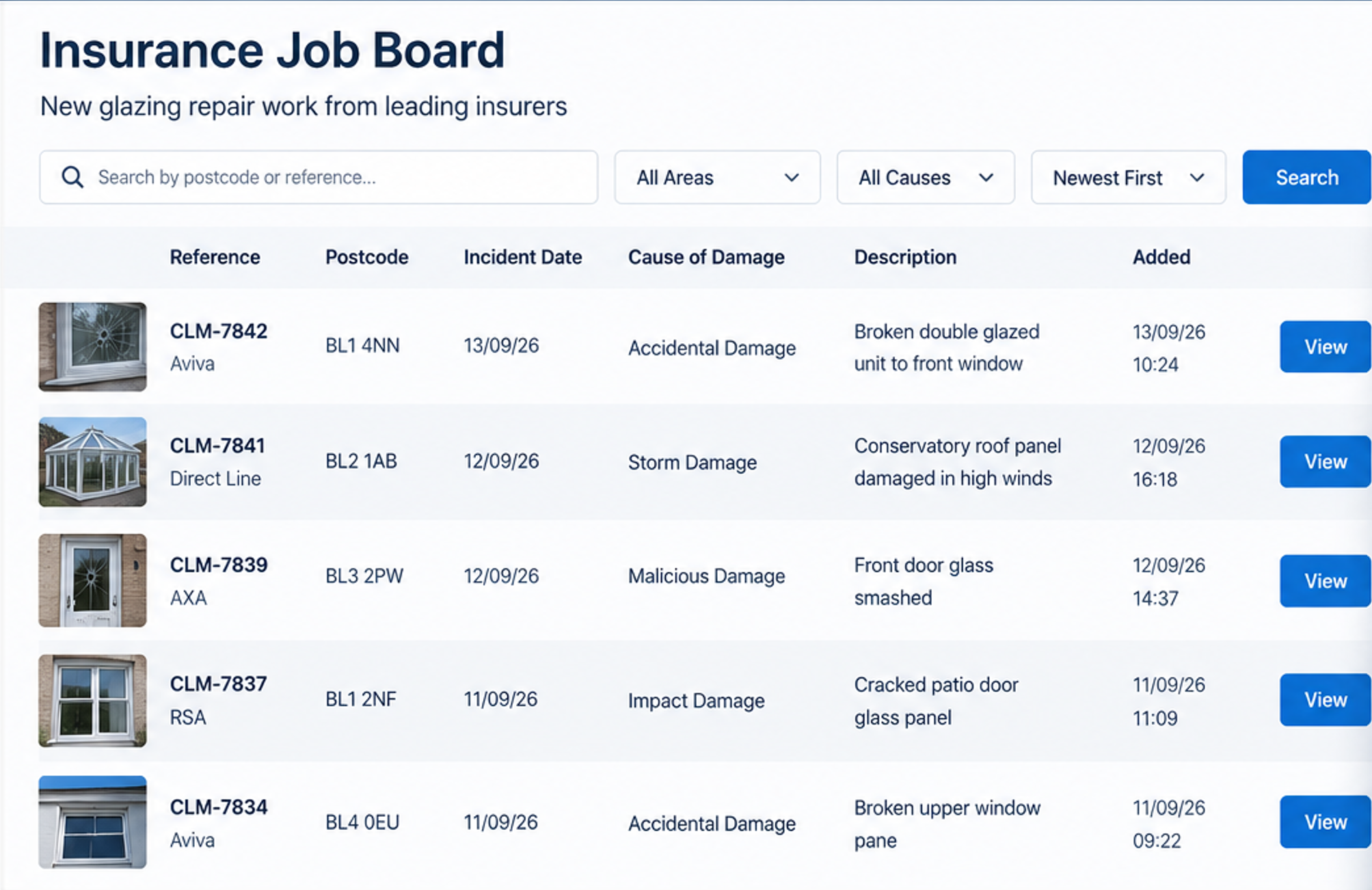
Connect insurers and service providers through a shared platform that simplifies claims management and creates new business opportunities. Insurers can submit and track claims, while service providers can discover, review and accept new work directly into their existing workflow.
- Submit insurance claims with detailed job information and photographs
- Publish new opportunities to the shared Glass Ops Job Board
- Browse available work and register interest in suitable claims
- Convert accepted claims directly into managed contracts
- Track claim progress, appointments and job updates
- Keep insurers informed throughout the entire repair process